Chapter 1: Pre-Semester Prep
Kiaora & Welcome
This course is designed to support you as you embark on your academic learning journey. The knowledge and resources gathered in this course are drawn from my own experiences navigating education as an adult and what I found to be useful during my 14 years of tertiary study. There is no ‘right’ way to learn, there is no set pathway to get a degree; however, successful studying benefits from levelling up your admin game prior to classes starting and the inevitable onslaught of assessment deadlines. With the right tools in your kete, you will become a proactive student, successfully submitting your assessments on time and with good grades.
Before you can dive into studying, you need to get organised. I’m not talking about buying fancy devices or the perfect desk setup (though if that motivates you, go for it!). I’m talking about gathering the essential information and tools you’ll need to be successful in your chosen studies.
Think of this as your pre-flight checklist. You wouldn’t take off without knowing your destination, right? Same with study.
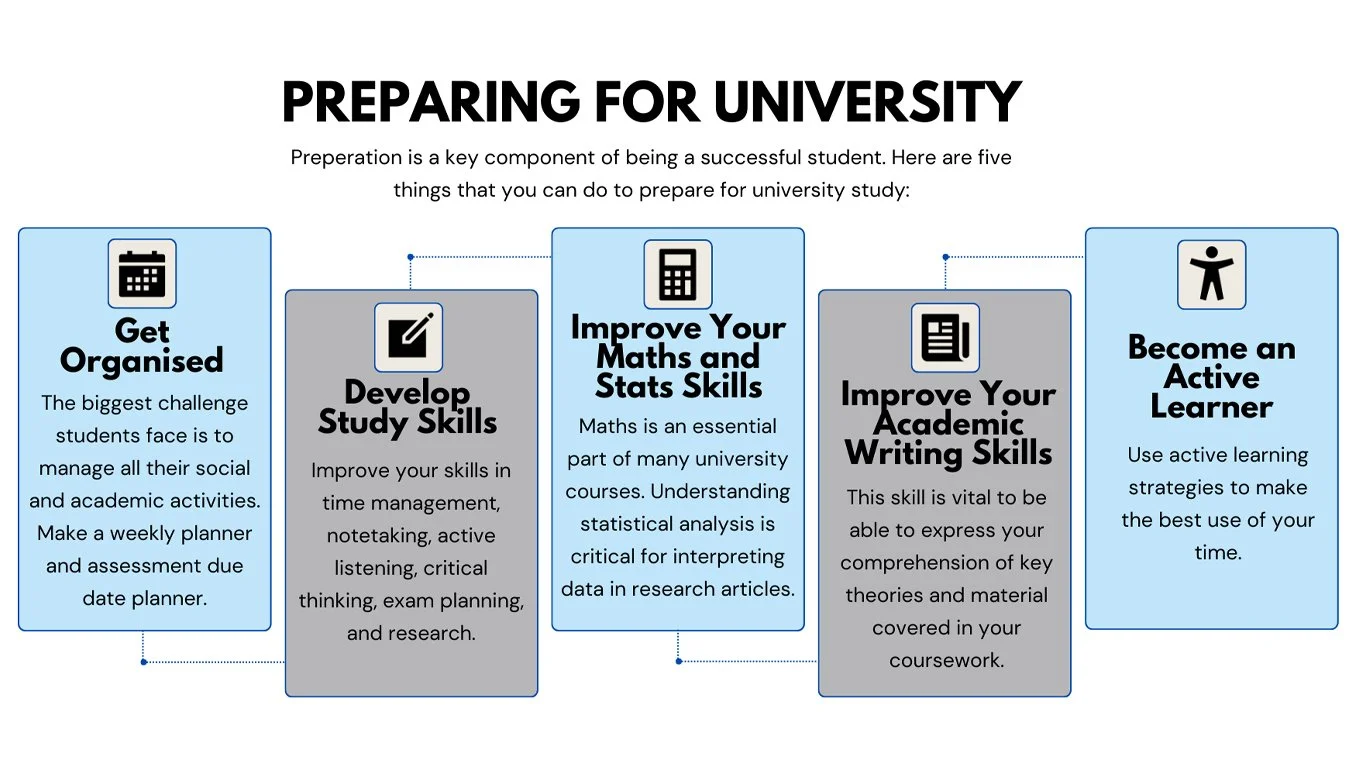
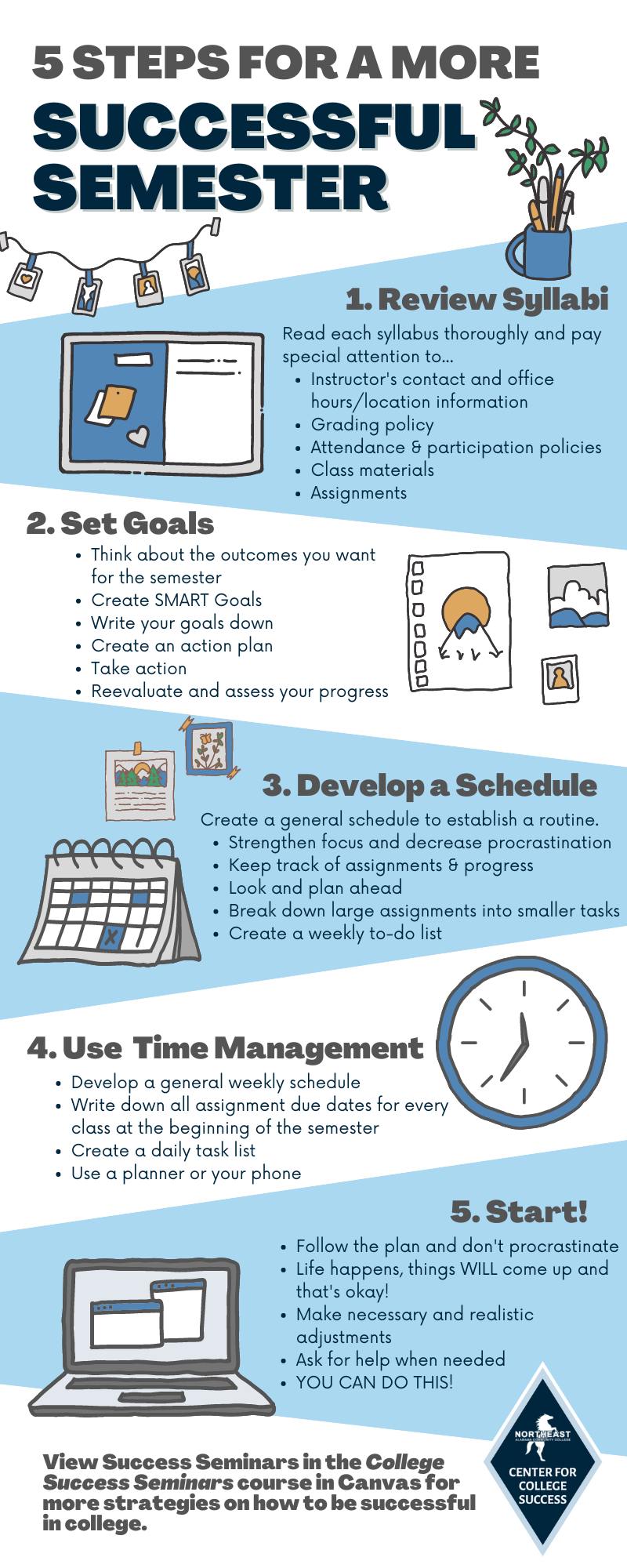
What You Actually Need:
1. Course Information - Your Roadmap
First things first: gather ALL the official course documents. These are your roadmaps for the academic year.
You need:
Course outline/syllabus - This tells you what you’re learning, when, and why
Assessment schedule - Every single due date in one place (we’ll use this in Lesson 2)
Course timetable - Class times, tutorial times, lab times, office hours
Assessment guidelines and rubrics - What your lecturers actually want to see
Where to find them:
Your learning management system (Canvas, Moodle, Google Classroom, Blackboard)
Emailed by your lecturer in the first week
Institution website (department pages often have them)
Pro tip: Download these as PDFs and save them in a dedicated folder on your device. Print the assessment schedule if you’re a paper person. You’ll reference these constantly.
Nothing derails study faster than forgetting passwords or not being able to access what you need.
Set up and test:
Institution email - Check it daily. This is where important announcements come from.
Learning management system login - Make sure you can actually access your courses
Library access - Online databases, ebook collections (you'll need these for research)
WiFi on campus - Know the network names and how to connect
Cloud storage - Google Drive, OneDrive, Dropbox (we'll talk more about this in Lesson 3)
Do this NOW, not the night before your first assignment is due.
Save your passwords somewhere secure. Use a password manager if you can, or at least write them in a notebook you keep safe.
2. Your Study Space
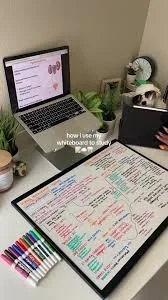
You don't need a Pinterest-perfect home office. You need a space where you can actually focus and get work done.
The essentials:
A surface to work on (desk, table, even a lap desk)
Decent lighting (eye strain is real)
Somewhere to keep your materials organised
Minimal distractions (as much as possible)
My Study Space Evolution:
When I started at Level 1, my setup was simple: a desk at home, a lamp, a laptop, a notebook, and a clear-file for handouts. That’s it.
By Level 5, I’d added a monitor for my laptop, folders on my laptop for each course, with subfolders for different modules and assessments. My physical space was the same, but my digital organisation had leveled up.
By Level 10 (PhD), I had dual monitors, a home office, a bookshelf, and file storage boxes for each chapter. My work had become complex enough that I needed infrastructure to support it.
The point? Start where you are. Your setup will grow as your work grows. You don’t need fancy equipment to start - you need the basics and a commitment to using them consistently.



3. Physical Materials
Even in a digital world, sometimes you need actual things.
Basic supplies:
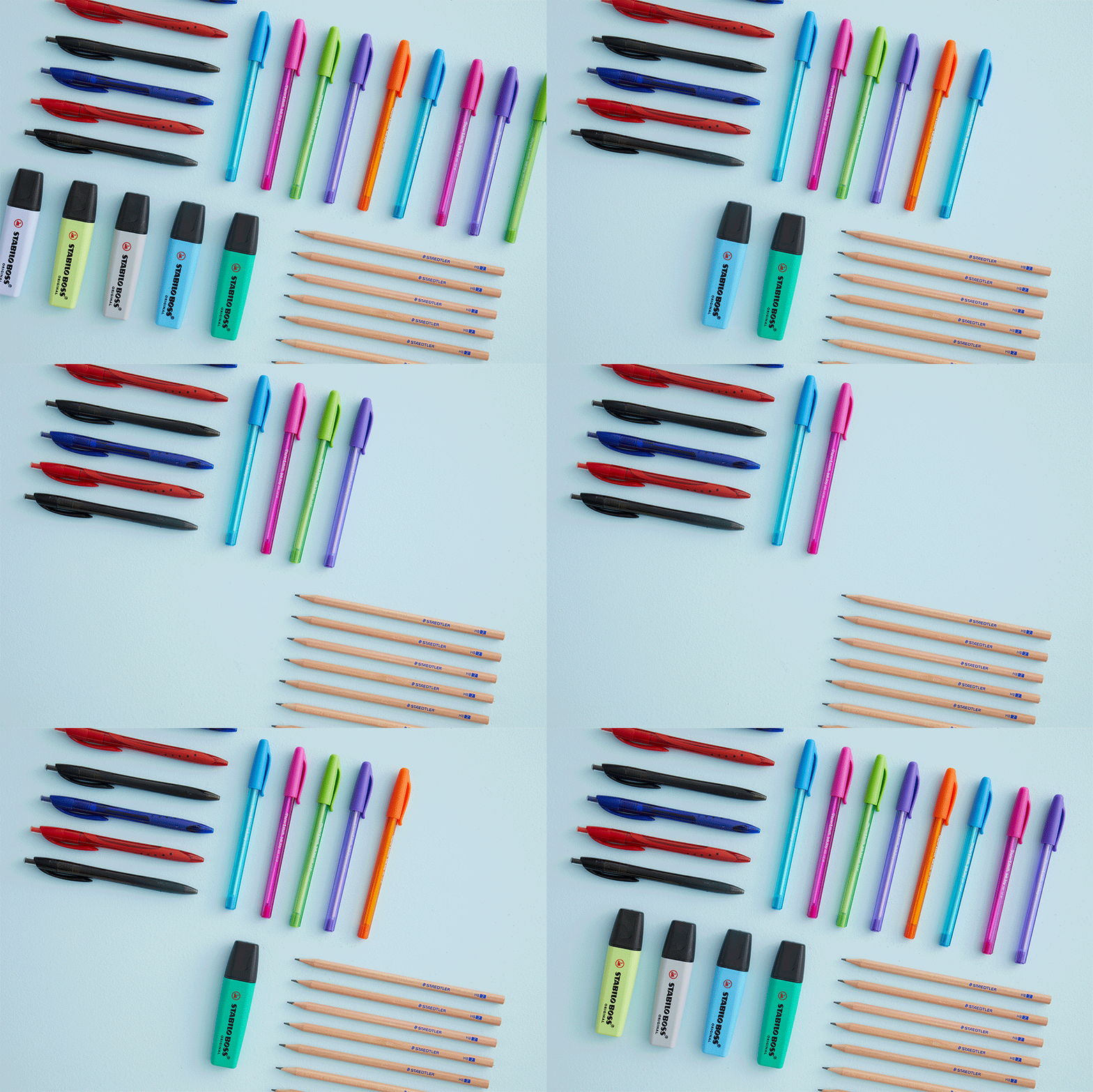
Pens and highlighters (for annotating readings)
Notebooks (for lectures, brainstorming, planning)
Post-it notes (trust me on this - we’ll use them later on for our research)
A folder or filing system for printed materials
Textbooks or study guides (if required for your courses)
Don’t go overboard. Buy what you actually need, not what looks good on studygram.



4. Your Devices
What you need access to:
A laptop or computer (library computers work if you don’t have your own)
Reliable internet connection
Your phone/tablet (for reading on the go, checking emails, accessing course materials)
Chargers for everything (keep a spare at your study space)
Headphones (for video lectures, blocking out noise)
Backup plan: Know where your nearest library or computer lab is. If your laptop dies the night before a deadline, you need a Plan B.

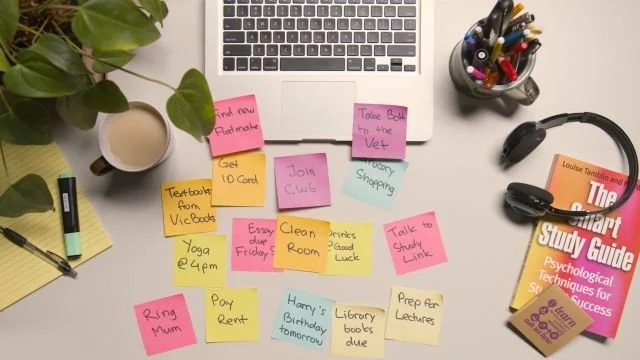
Creating Your Resource Hub
Once you've gathered everything, create ONE central place where it all lives.
Physically: A folder, box, or drawer with your printed course outlines, assessment schedules, and notes.
Digitally: A main folder on your computer or cloud storage with subfolders for each course.
Example structure:
📁 2025 Study
📁 Course 1 Name
📄 Course outline
📄 Assessment schedule
📁 Lecture notes
📁 Readings
📁 Assignments
📁 Course 2 Name
We’ll dive deeper into file organisation later on, but for now, just create the basic structure.


Action Steps
Before moving to Lesson 2, complete these tasks:
✅ Download and save all course outlines, assessment schedules, and timetables
✅ Test all your logins - email, LMS, library, WiFi
✅ Set up your study space with the basics you need
✅ Gather your physical materials (notebooks, pens, post-its)
✅ Create your Resource Hub - one folder (physical and digital) where everything lives
✅ Bookmark key websites you'll use regularly
Knowledge Nugget
Being across all of your study details (Room allocations, course assessment dates & details), setting up your designated study space and familiarising yourself with the digital learning environments means that you will know exactly who to contact in the library for research and referencing support, who at IT Digital services can fix your WIFI, and what the course co-ordinators office hours are and can they help you to navigate the online learning platform.
Now we have all of our resources required for the upcoming academic year, are you interested to put them into practice?


-
Add a short summary or a list of helpful resources here.